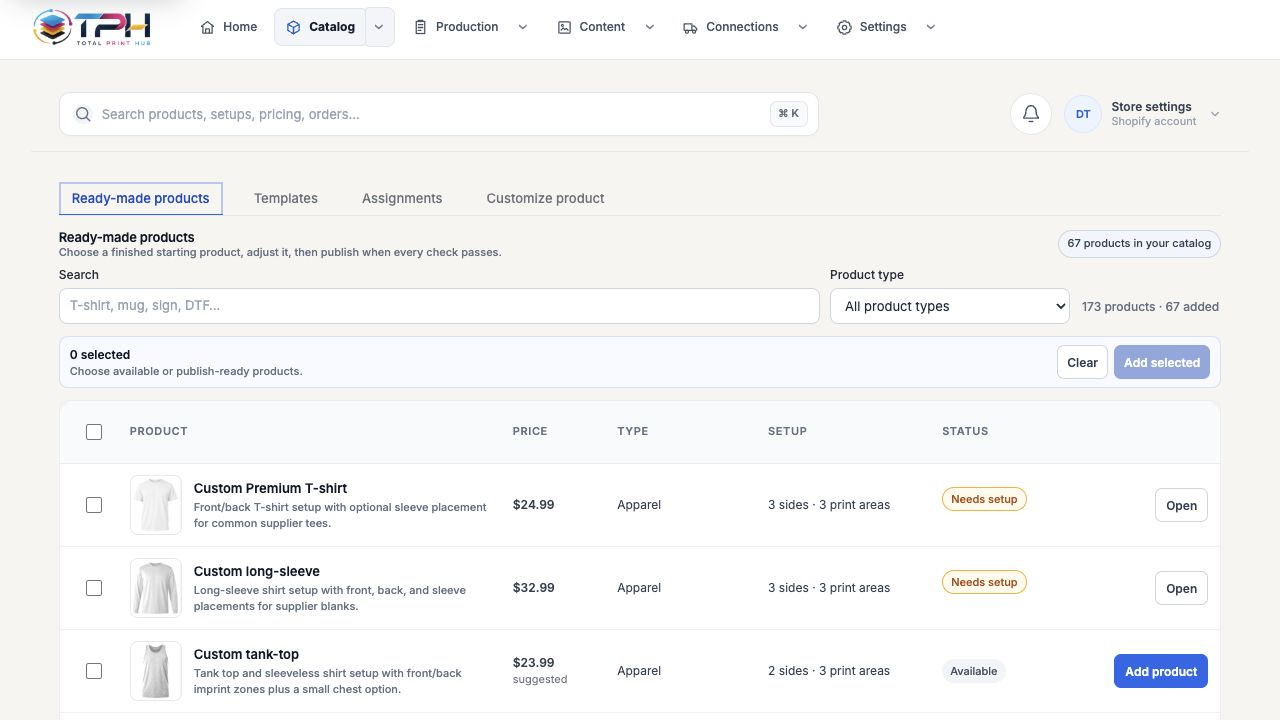
Three ways to launchPrepared products first. Reusable setup second. One-off control when needed.
A new shop can publish a useful catalog immediately. A large imported catalog can reuse one family setup. Unusual products still keep detailed manual control.
One commerce-connected recordPrivate merchant data boundaryEditable production evidence
01
Publish ready-made products
Choose complete starter products, customize them for the merchant, and sync them into Shopify or WooCommerce.
- ✓Editable title, description, product media, product price, and print price
- ✓Prepared sides, regions, colors, sizes, variants, and supported methods
- ✓Conflict-safe commerce re-sync that never silently overwrites a newer store edit
02
Assign one setup to a product family
Avoid configuring thousands of imported catalog products one by one.
- ✓Match by collection, tag, vendor, product type, SKU, handle, or supplier style
- ✓One colorable mockup template reused across a family
- ✓Only the selected product's actual colors and variants appear in Studio
03
Choose which edit wins
A linked Shopify or WooCommerce product may be changed by staff, another app, or an automation after its last sync.
- ✓Compare the current store revision before any update
- ✓Keep the newer store version and preserve local work for review
- ✓Use the Total Print Hub version only after explicit confirmation
04
Keep advanced one-off setup
Special products can still use detailed manual configuration without becoming the default path.
- ✓Use actual store product images or merchant mockups
- ✓Add, resize, move, duplicate, disable, or remove print regions
- ✓Save as a new merchant-owned template for reuse