A practical guidePrint shop production software that follows the job
How a print shop runs a day on Total Print Hub, from the orders that arrive overnight to the boxes that leave, and what to set up first.
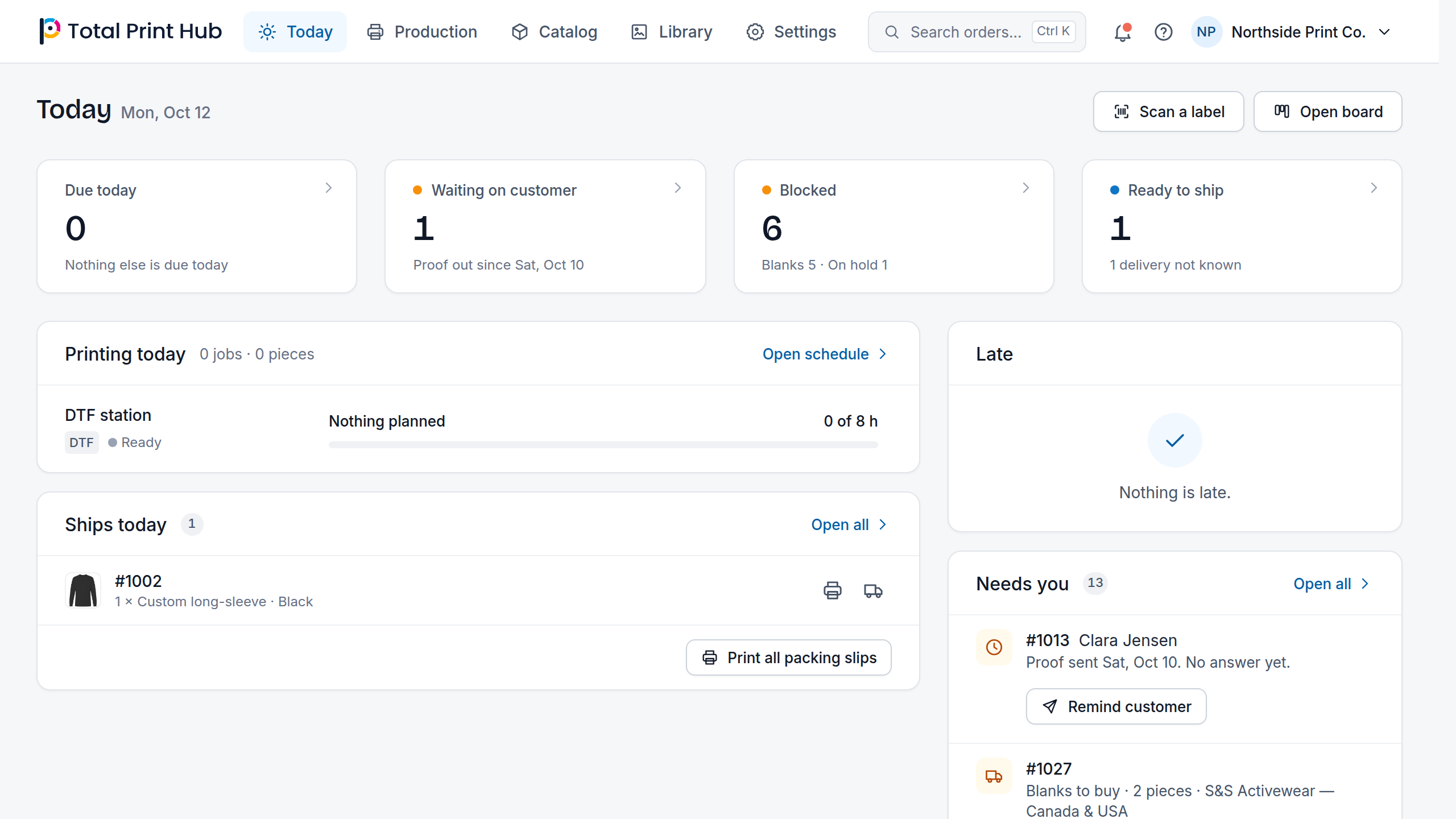
Start the day on Today
Today shows what is due, what is waiting on a customer, what is blocked and what is ready to ship, each one click from the jobs behind it. Late jobs turn coral and blocked jobs carry the reason and the fix, so the first conversation of the day is about the few jobs that need a decision.
Orders from your Shopify and WooCommerce stores arrive in the same list, already split into jobs with their print files.
Set stages that match your floor
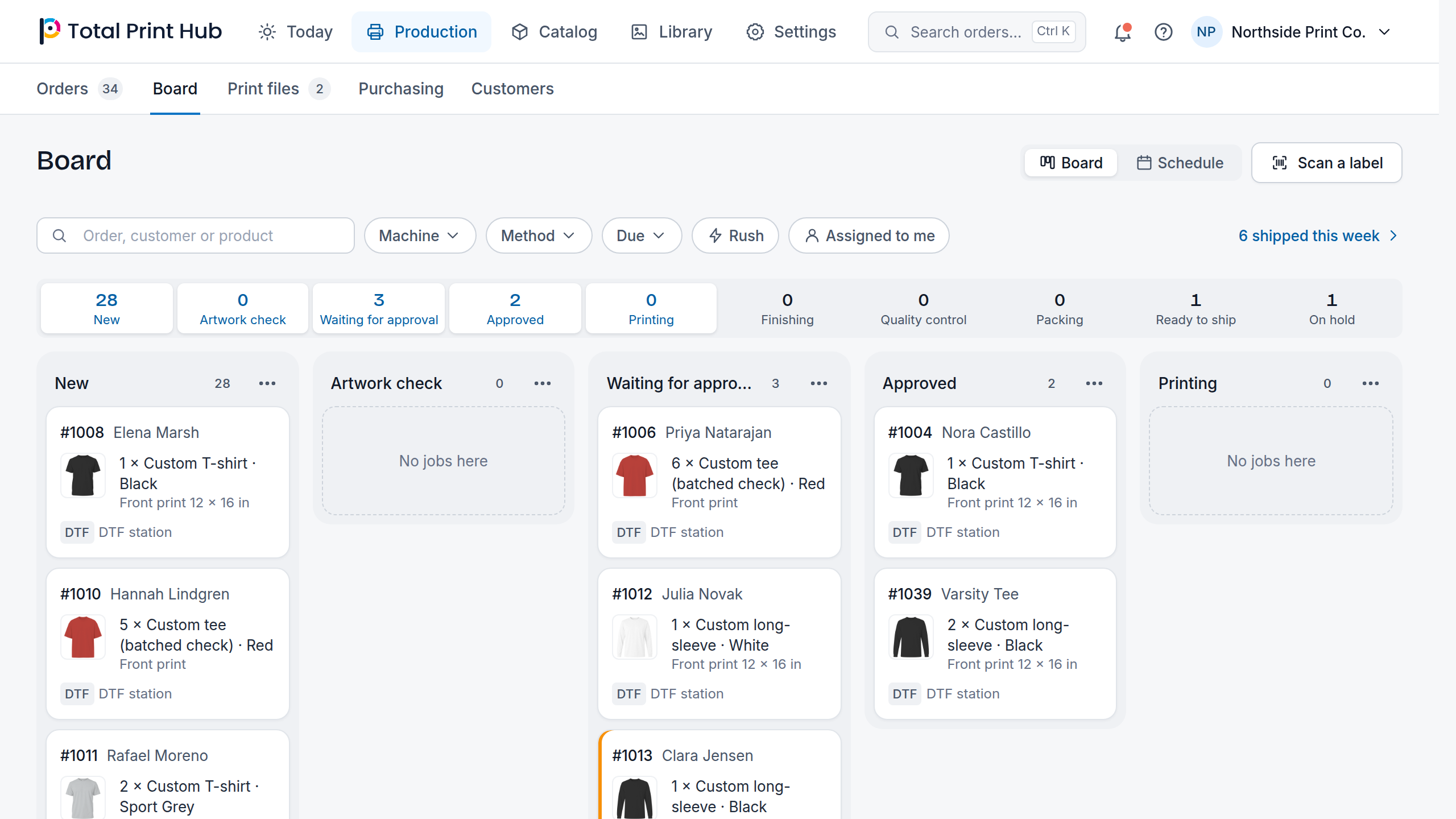
The board starts with New, Artwork check, Waiting for approval, Approved, Printing, Finishing, Quality control, Packing, Ready to ship and Shipped, with On hold beside them for a job that has to wait. Rename and reorder the stages, give each its own color and switch off the ones you do not use, so the board reads like your shop.
Jobs move by drag, by keyboard or by scanning a job ticket at a station, and the order updates for everyone at once.
Plan machines, not only dates
The schedule view shows the same jobs by machine and day, with a load meter for each machine. Use it to see when the DTF line is full for the week before you promise a date, and to see where a rush order still fits.
Let the software do the file work
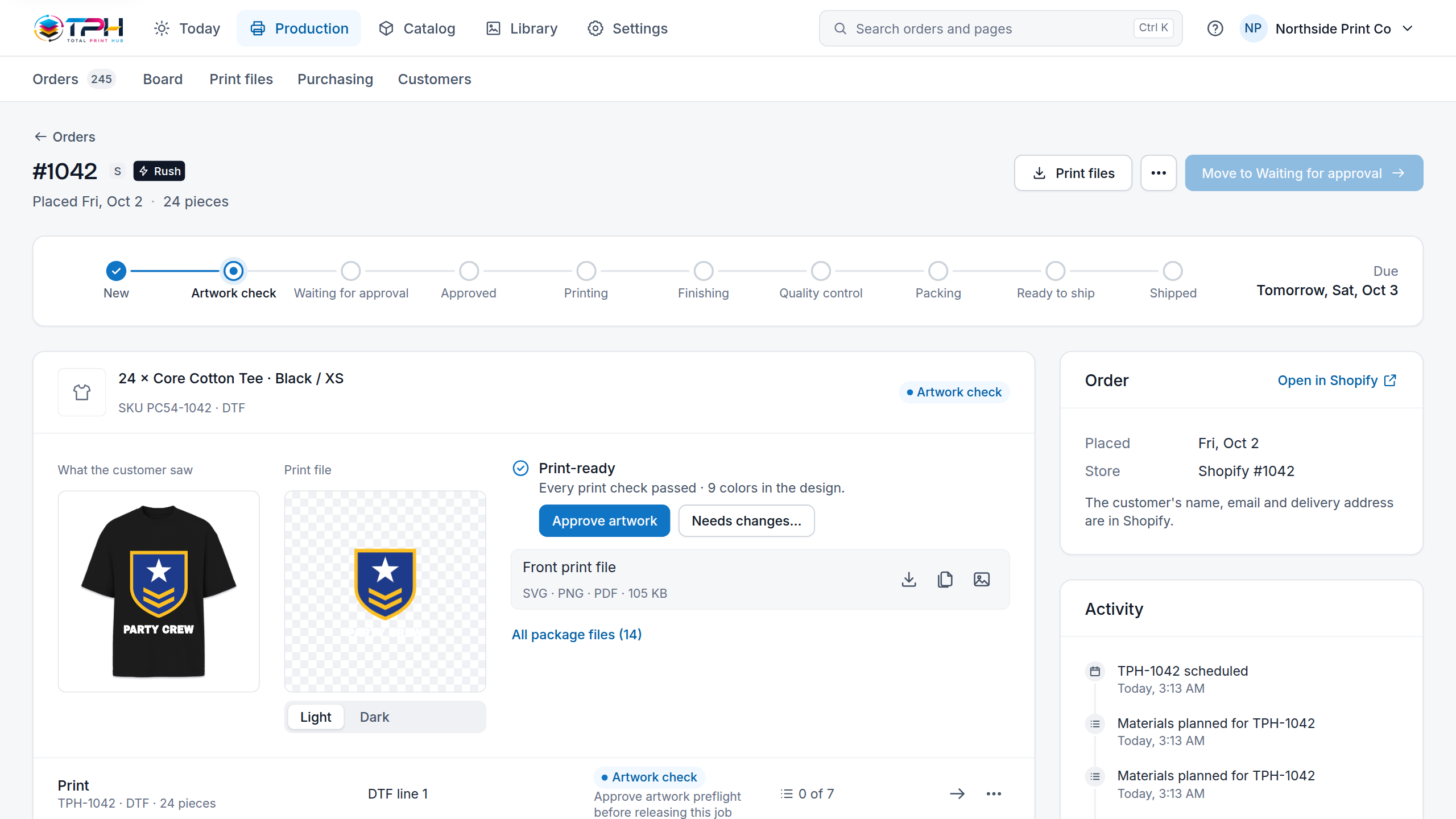
Because the Design Studio and the Gang Sheet Builder saved every design, print files are generated for each job. Each job carries a verdict: print-ready, or exactly what is wrong with a one-click fix.
When a customer needs to see the result first, send a proof and wait for the approval on the order, with the customer's mockup next to the print file.
Know which blanks to buy for the orders you have
Paid orders whose garments you buy in are listed under To buy, grouped by vendor. Add them to a numbered draft purchase order, set the quantities with any spare units, and move an order to another draft when it should be bought separately. A draft is your buying list: you place the order with the vendor yourself.
Production and work management are included in Core, Complete and Dedicated, so no plan leaves you with orders but no production board.