
Reuse work without flattening every product
Duplicate and edit a prepared template, add or remove views and print areas, and assign it across matching products while keeping product-specific colors and variants.
Use editable multi-view mockups and merchant-owned print regions for drinkware, gifts, sports products, hard goods, and other promotional items. Customers see the sides, colors, regions, and controls that belong to the selected product.
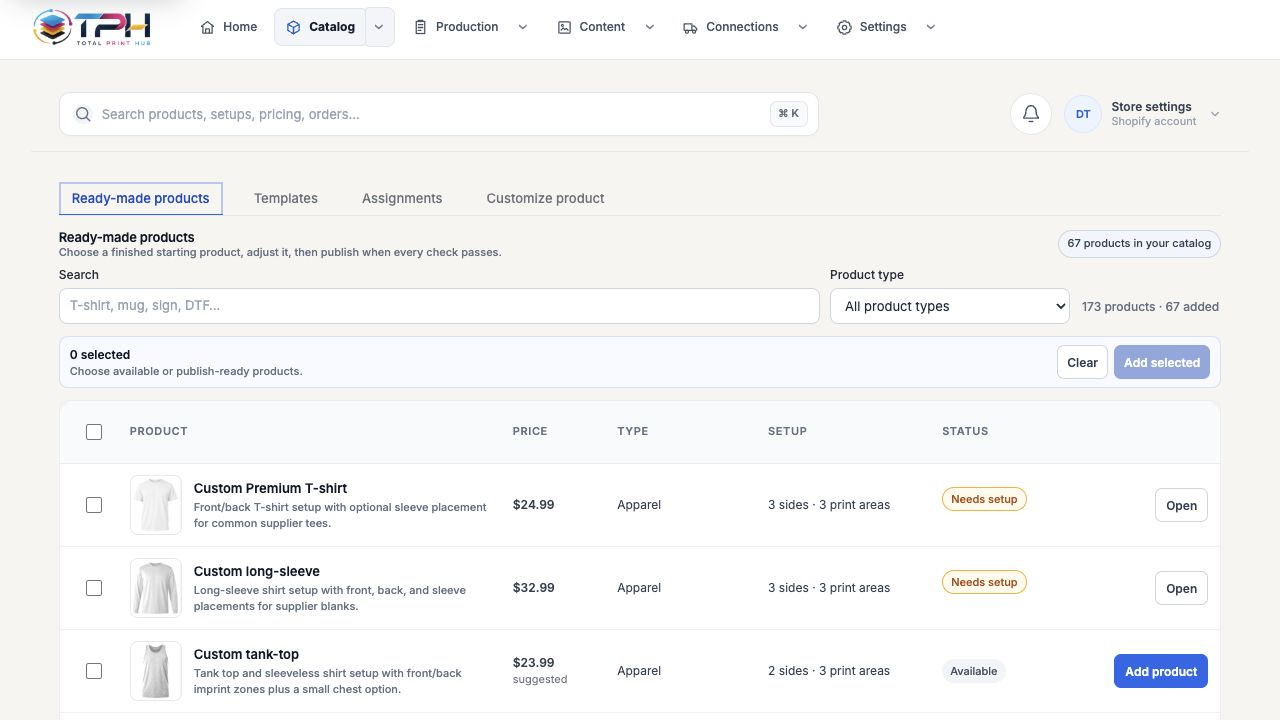
Duplicate and edit a prepared template, add or remove views and print areas, and assign it across matching products while keeping product-specific colors and variants.
A mug wrap, ball panel, pen barrel, ornament face, and mouse-pad surface remain distinct product rules rather than generic image positions.
Prepared templates, merchant uploads, product edits, and generated assets remain tenant-owned; shared platform art and fonts stay protected.
Merchants keep advanced capability without turning every routine task into a long form. Each step reveals the choices needed for that product and role.
Start from a prepared product or map a reusable template to the merchant's existing catalog.
The merchant can alter the provided mockup, enabled sides, region dimensions, placement, supported methods, colors, sizes, and options.
Product Studio opens only the product-aware choices and controls needed for that item.
The final order retains source artwork, design details, previews, pricing evidence, and production output.
Start with the customer experiences and product families your shop needs, then expand without rebuilding the order and production system.