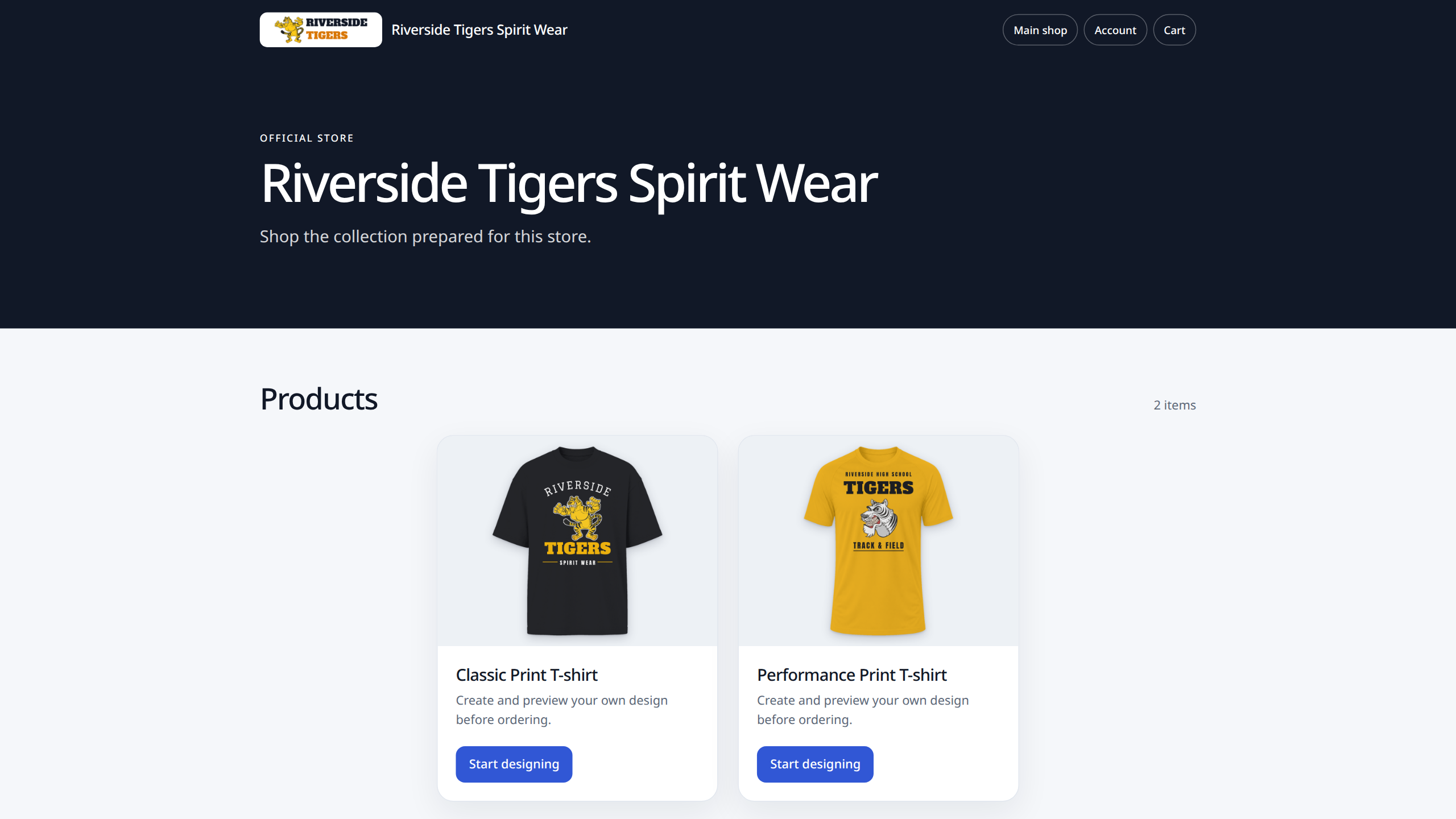
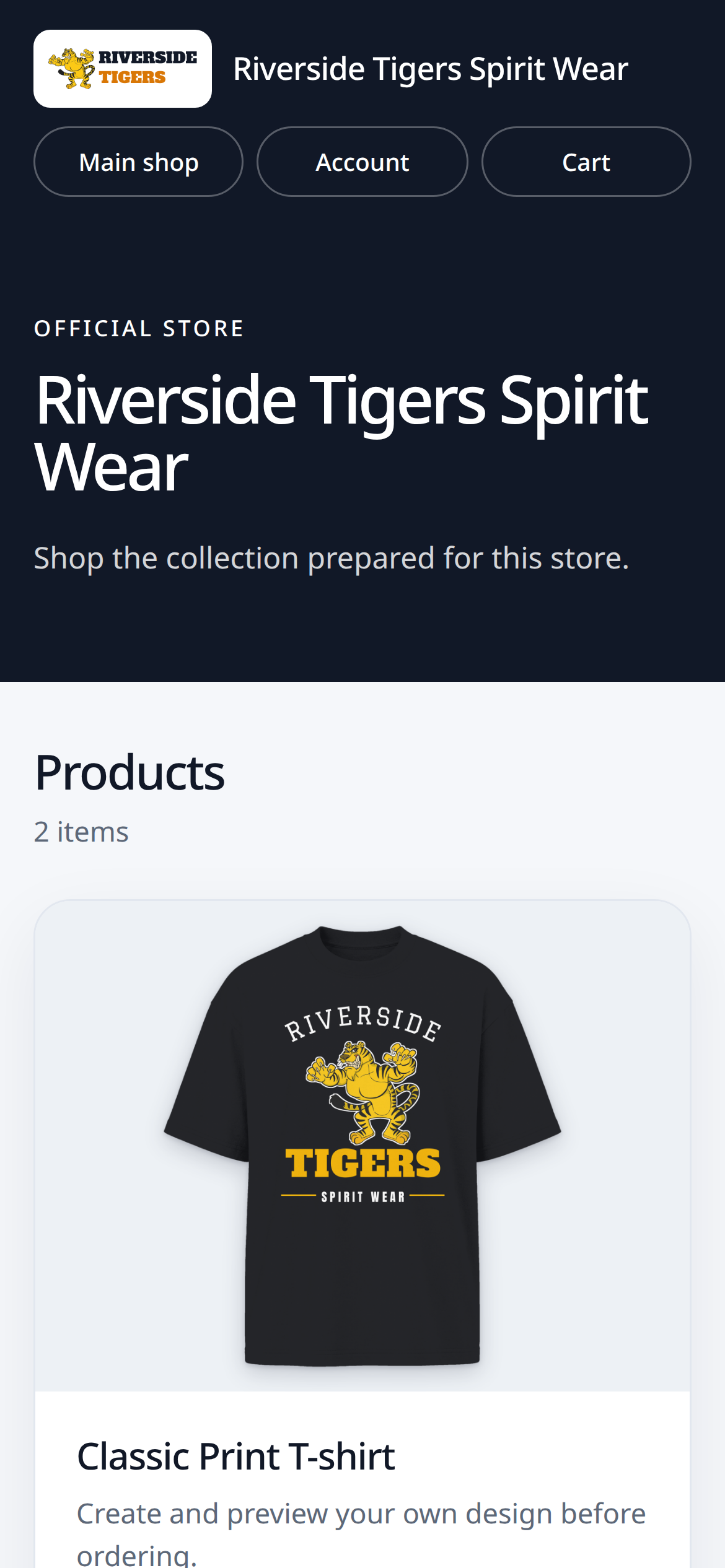
What a Branded Store is
A Branded Store is a store for one organization: a school, a team, a club, a church, a company or an event. It carries the organization's name, its logo and two colors of its own, and it shows only the products you picked for it. Members open one link and order for themselves.
It is not a second shop to run. The products are the ones already in your Shopify or WooCommerce store, the member pays in your checkout and the order arrives in the Orders list you already work from.
Set one up in four steps
Name the store, say what kind of organization it is and give it its link. Pick its products one by one, or select a whole supplier or collection at once. Choose what members can do with each product. Then add the logo and the two colors, and save: a new store starts as a draft.
A draft stays private. Open the preview to see the whole store as a member would, and publish when it looks right. To start the next store from one you already built, duplicate it: the copy is a new draft with the same products and customer options, ready for its own name, link and logo.
Choose what members can change
Each product in a store has one customer option. Buy as shown sends the member to the product in your store. Names and numbers only opens the Design Studio for a name, a number or both, which suits a uniform the club has already approved. Approved artwork only lets members choose from the artwork and design templates in your library. The full Design Studio lets them upload and design freely.
A team store often mixes them: the jersey with names and numbers only, a hoodie with the full Design Studio and a cap bought as shown. Set the option for one product, or for every selected product at once.
Keep a store private, or open it for a season
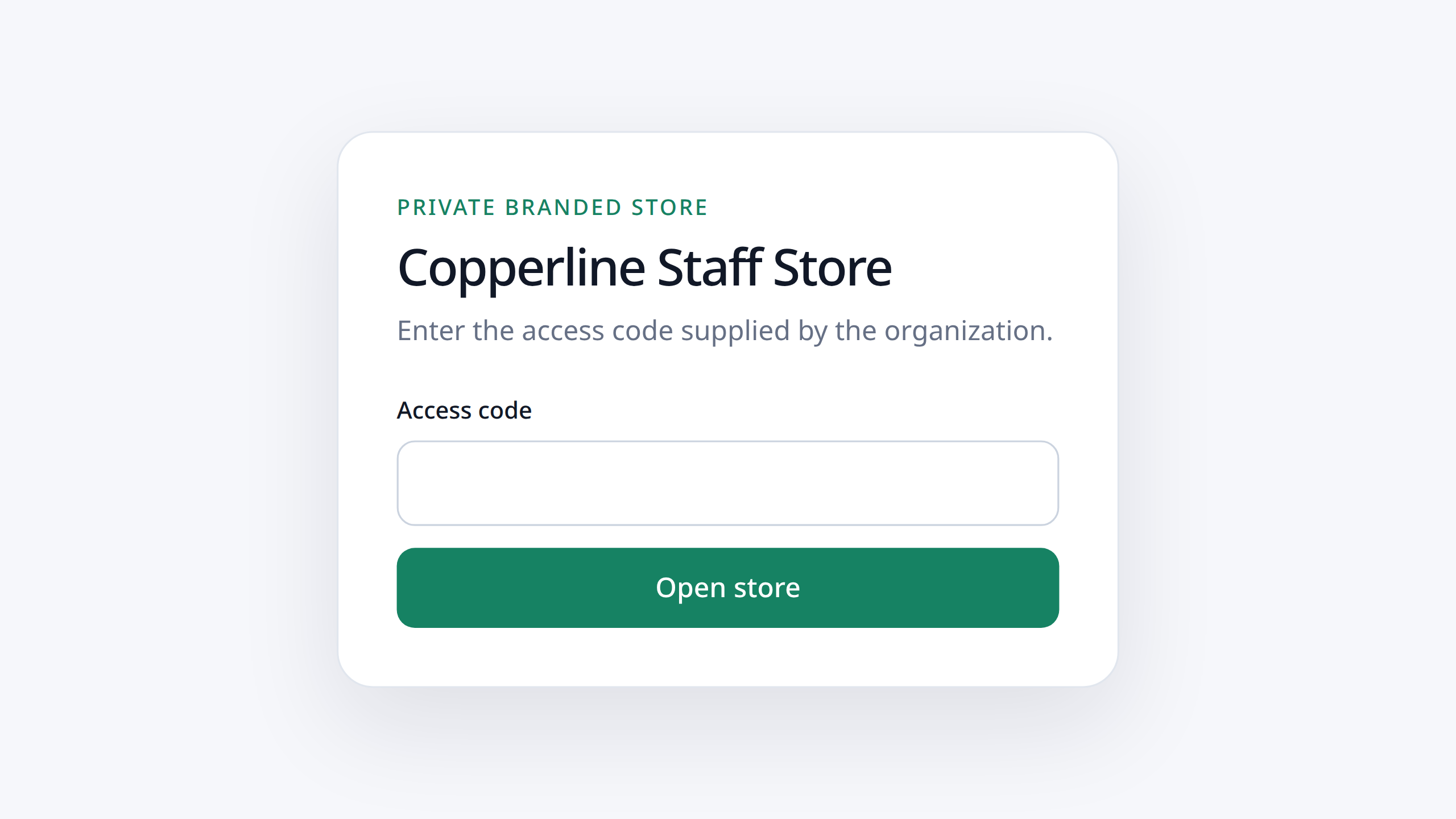
A store is open to anyone with the link, or protected by one access code that the organization hands to its members. Without the code a visitor sees the store's name and nothing else. Set a new code when the old one has travelled too far: members who were in have to enter the new one.
A store can also have an opening date, a closing date or both. That suits a spirit-wear week, a season's uniforms or an event: the store closes on the date you set, and you can archive it and publish it again next year.
Prices and limits for one store
For a product that opens the Design Studio you can set an exact price for that store, raise or lower the prices of all selected products together, and limit the colors, sizes, sides and print areas the store offers. A school store can sell the tee in the school's two colors only, printed on the front only.
A product bought as shown keeps the price and the options it has in your own store.
Orders stay in your shop
A store adds no second checkout and no second order list. The member's product goes into your store's cart; payment, tax and shipping are the ones your store already uses; the paid order becomes jobs on your production board like any other order, with its print file when the member personalized the product.
Archiving a store stops new customers; its existing orders and production records are kept.
How many stores each plan runs
Every plan includes Branded Stores: 150 active at once in Core, 450 in Complete and unlimited in Dedicated. Only published stores count toward that number, so you can keep drafts ready and archive the stores of a season that has ended.
What to prepare
Ask the organization for its logo as a wide or square PNG, JPEG or WebP file of up to 2 MB, and for its two colors. Decide with them which products the store should carry and whether it should be private. Make sure each product already has its print areas and prices in your store.
The first store you open for a school or a team becomes the example you show the next one.
 Total Print Hub