 Total Print Hub
 WooCommerce plugin
The product designer and gang sheet builder for WooCommerce.
Total Print Hub for WooCommerce is a free WordPress plugin that connects your store to Total Print Hub. It adds a product customizer and a gang sheet builder to your WooCommerce product pages, uses your own cart and checkout, and sends every paid order to production with its print files.
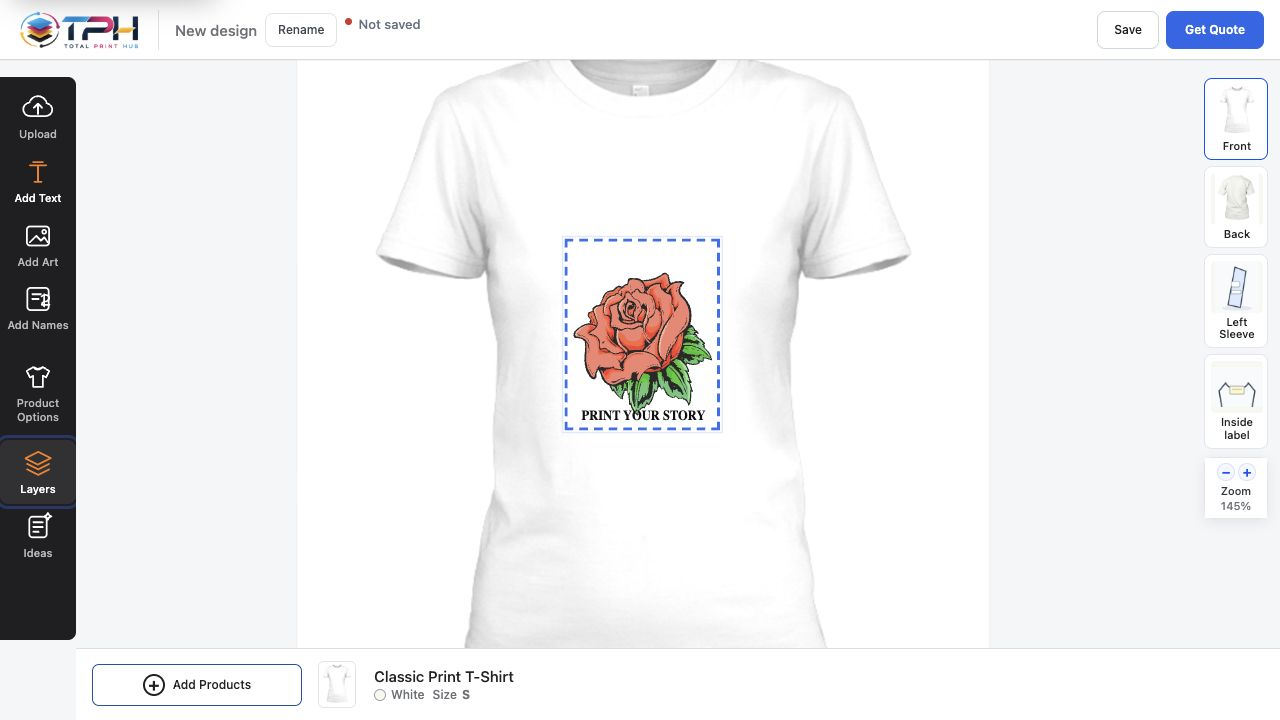
What your customers see on WooCommerce.
The plugin opens the designer inside your native WooCommerce product pages, not on a separate builder site. Customers finish in your cart and checkout, with your payment methods. On a phone, they get the same designer with touch controls sized for fingers.
Design Studio
An online product designer on your product pages: customers add text, upload art and see the design on the product, front and back, on desktop and phone.
Gang Sheet Builder
A DTF and UV DTF gang sheet builder: customers pick one of your sheet sizes, upload designs, set quantities and let auto-arrange pack the sheet.
Instant Merch and Branded Stores
One logo upload shows every product that can print it, and each school, team or company you serve can have its own store.
From WordPress.org to a connected store in five steps.
The connection is made by signing in, not by copying keys. You never paste an API token into WordPress and never give us your WordPress password.
- Install the pluginIn WordPress, open Plugins > Add New Plugin, find Total Print Hub, then install and activate it.
- Connect your storeOpen WooCommerce > Total Print Hub and choose Connect to Total Print Hub.
- Choose your planPick Core, Complete or Dedicated on our website. Secure Stripe checkout starts the 14-day free trial.
- Sign in and returnSign in to your Total Print Hub account, or create one with authenticator sign-in. You return to WordPress with the store connected.
- Prepare your productsChoose Prepare catalog or Prepare with saved rules, then take a test order through your own checkout.
WooCommerce keeps your store. Total Print Hub runs the print work.
WooCommerce stays the home of your catalog and orders. Total Print Hub adds the design, pricing and production layer on top of it, and your products, orders and customer records stay in WooCommerce if you ever disconnect or uninstall the plugin.
Stays in WooCommerce
- Your theme and product pages
- Titles, descriptions, SKUs and media
- Prices, inventory and variations
- Cart, checkout and payment methods
- Orders, taxes and shipping
Runs in Total Print Hub
- Design Studio, gang sheets and Instant Merch
- Print prices from your pricing setups
- Saved designs and customer uploads
- Print-ready files at true size
- Production board, proofs and job tickets
Built for real WooCommerce stores.
Requirements: WordPress 6.9 or later, WooCommerce 10.8 or later and PHP 8.1 or later. The plugin is free; a Total Print Hub plan or trial connects it.
- Prepare products with saved rulesSet rules once by category, tag, SKU or product family. Prepare one product from its edit screen, a group with a bulk action, or the whole catalog in the background.
- Simple and variable productsCustomers only see the colors, sizes, print areas and prices you prepared for that product. Choose Sync products after you change variations.
- Classic and block checkoutWorks with the classic cart and checkout and with the Cart and Checkout blocks, and with High-Performance Order Storage.
- Safe when disconnectedIf the connection is ever off, your products stay usable WooCommerce products and never show a half-loaded designer. Uninstalling removes the plugin's keys and scheduled jobs.
- Your print pricesPrice by print area, print size, color count or stitches. One pricing setup covers every product that uses it, and the cart charges what the designer showed.
- Artwork checked before checkoutEvery upload's resolution is checked at the size it will print, and customers can remove a background, upscale or crop it before they buy.
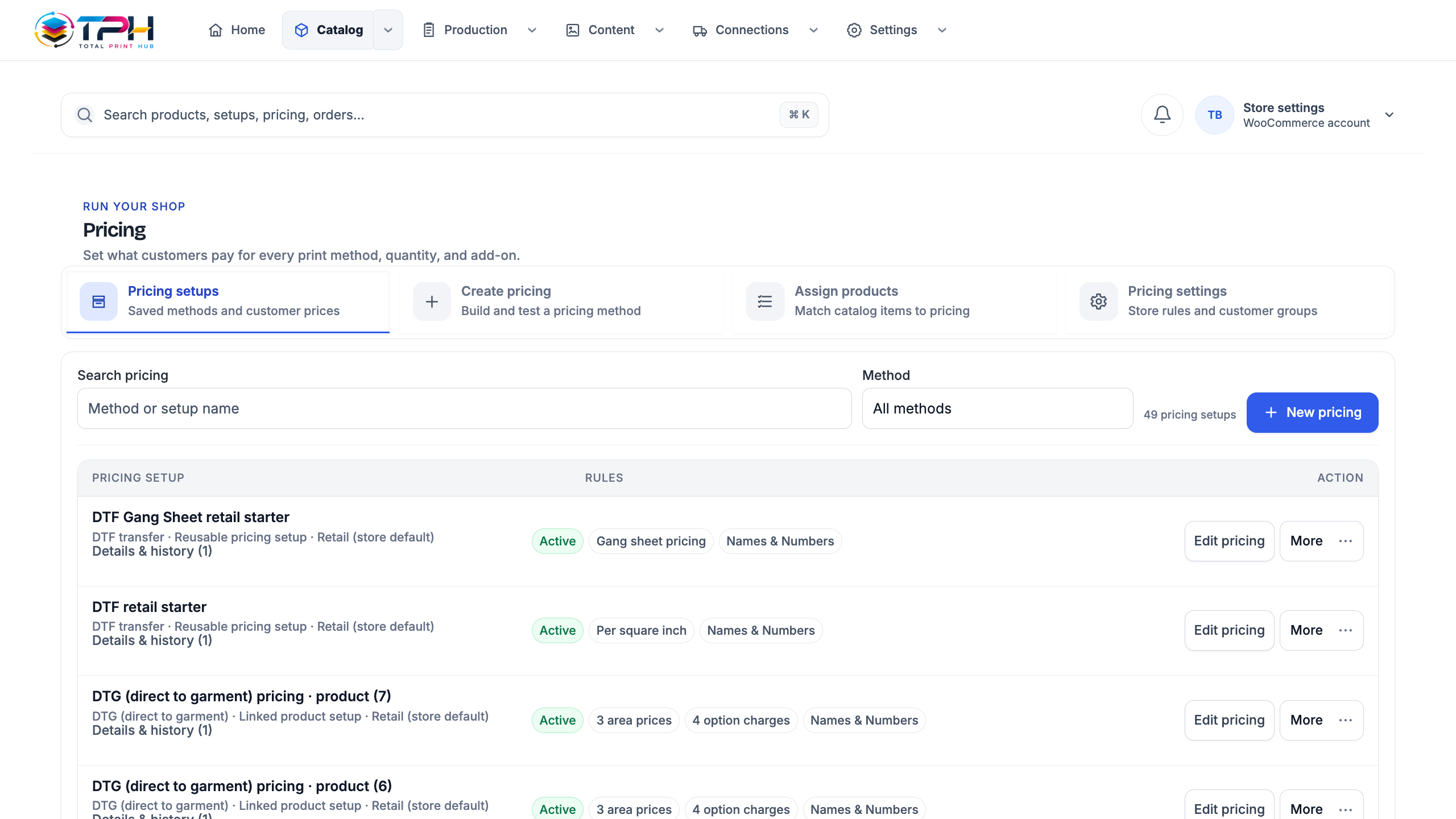
Billed by card, managed in one portal.
Your plan is paid by card through Stripe, after the 14-day trial. Invoices and cancellation are in the Stripe customer portal. The prices are the same fixed USD prices as on Shopify, with no per-order fees.
WooCommerce questions
How do I install Total Print Hub on WooCommerce?
Install and activate the free plugin from WordPress.org, open WooCommerce > Total Print Hub and choose Connect to Total Print Hub. Pick your plan on our website, sign in or create your account, and you return to WordPress with the store connected.
What do I need to run the plugin?
WordPress 6.9 or later, WooCommerce 10.8 or later and PHP 8.1 or later. The plugin works with simple and variable products, the classic cart and checkout, the Cart and Checkout blocks and High-Performance Order Storage.
Is it a product designer and gang sheet builder for WooCommerce?
Yes. The Design Studio and the Gang Sheet Builder open inside your WooCommerce product pages, not on a separate builder site. Core includes one of them, Complete and Dedicated include both plus Instant Merch.
Do I have to paste API keys or share my WordPress password?
No. You connect by signing in to your Total Print Hub account from WordPress. There is no key to copy, we never ask for your WordPress password, and every request between the plugin and Total Print Hub is signed.
Do I have to set up every product by hand?
No. Save rules by category, tag, SKU or product family once, then prepare one product, a selected group or the whole catalog. Products that match no rule are listed for you to review.
How is the WooCommerce plan billed?
By card through Stripe, with the free trial first: it lasts 14 days or 10 production orders, whichever comes first. Invoices and cancellation are in the Stripe customer portal. There are no per-order fees.
What happens if I disconnect or uninstall the plugin?
Your WooCommerce products, orders and customers stay in WooCommerce and your products remain usable. Uninstalling removes the plugin's connection keys and scheduled jobs.
Put a designer on your WooCommerce product pages.
Install the free plugin, connect your store and start the 14-day free trial on your own products.