 Total Print Hub
Inky AI, the AI teammate for your print shop.
You approve, it does the work. Ask in your own words, typed or spoken. Inky AI prepares the products, prices, gang sheets and production work inside Total Print Hub, shows you exactly what will change, and waits for your approval before anything touches money or orders.
Design a full-front print for Copperline Plumbing & Heating. Bold workwear style, for our navy tees.
Three designs from your brief. The round badge is open in the Studio, 13 in wide.
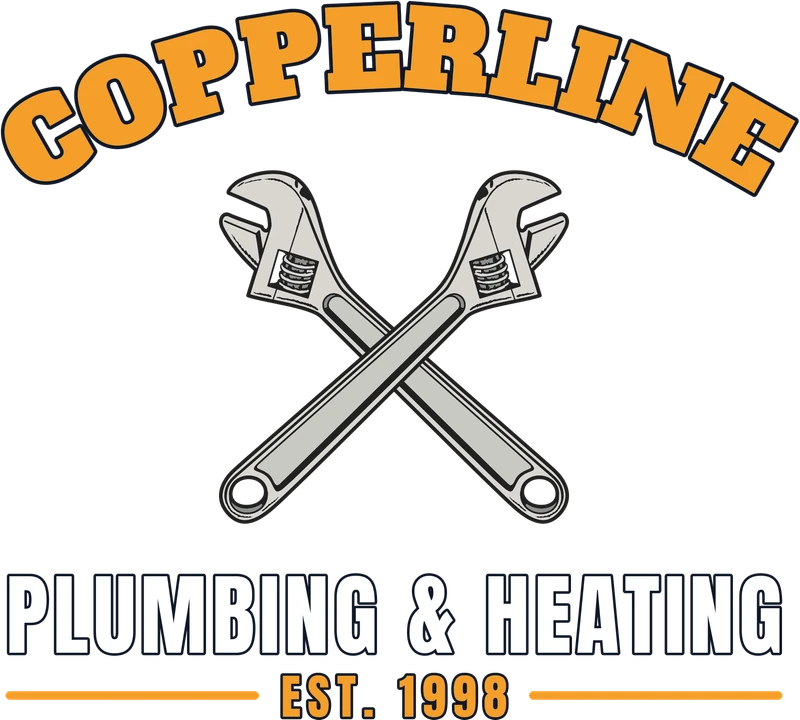 Arched nameDraft
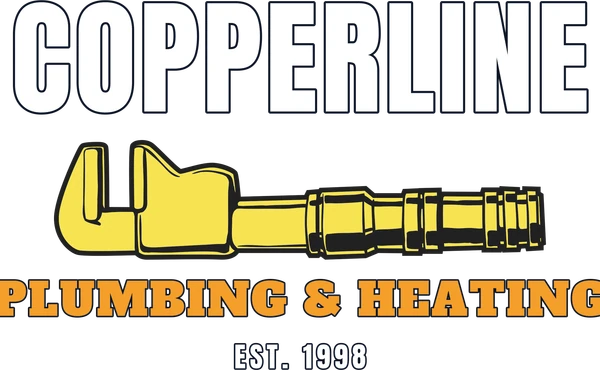 WordmarkDraft
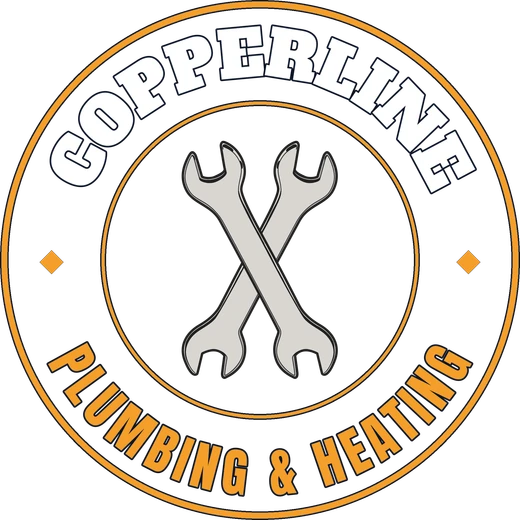 Round badgeIn the Studio
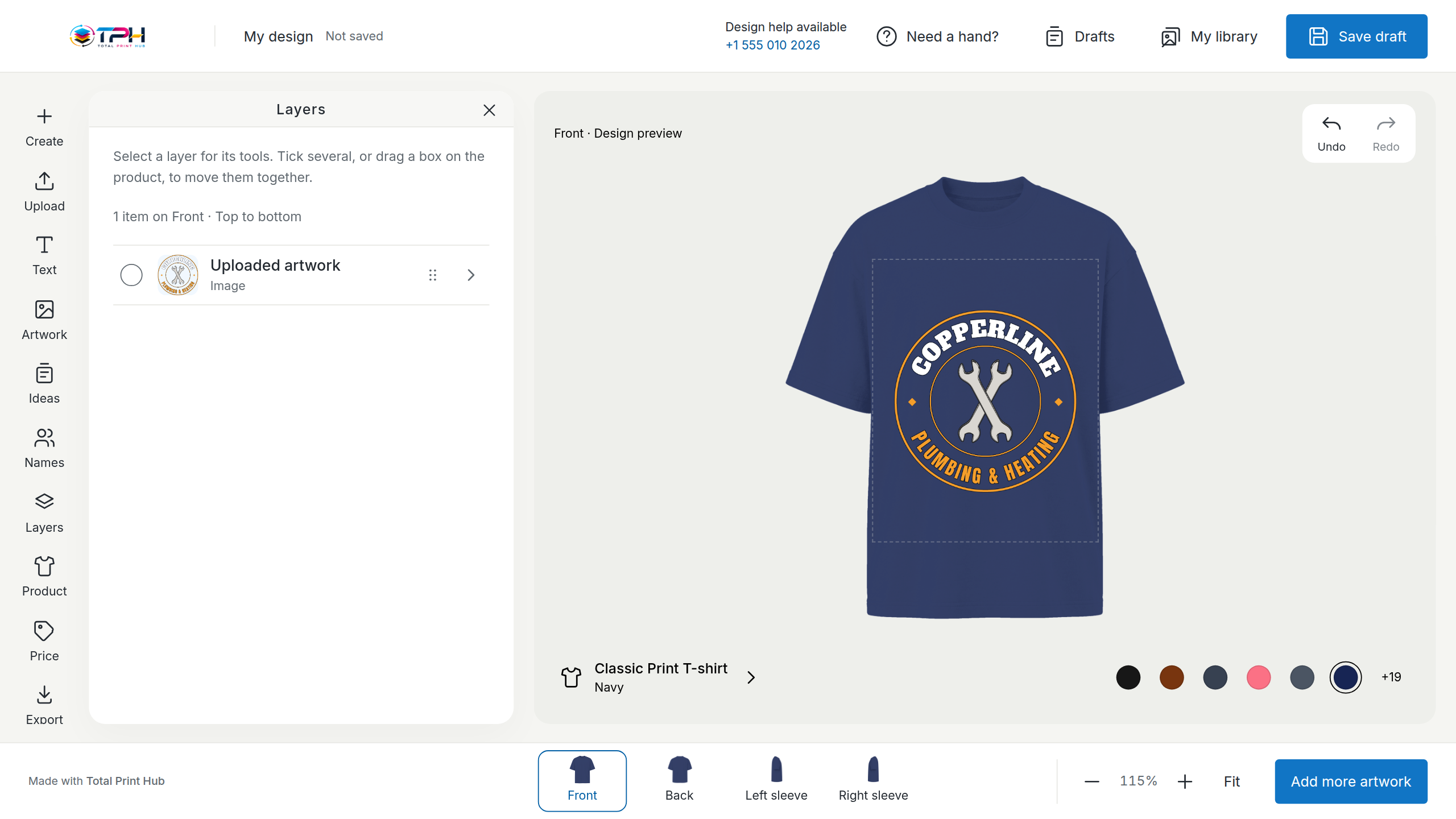
Illustration of the Inky AI panel over a real Design Studio screen.
The busy work of a print shop, done by asking.
Inky AI works through the same Studio, pricing, gang sheet and production tools your team already uses. Every result links to the real product, design or job.
Set up your store by asking
Tell it once what you sell, your brand and how you price. It prepares a starter catalog and a checklist of what is ready and what still needs you.
Products and blanks from your suppliers
It finds styles in the supplier catalogs you connected, brings in the variants you approve, leaves out what you cannot get and prices them with your own rules.
Designs and mockups in the Studio
“Make the company name white and centre the chest logo.” It checks the artwork, composes the mockups and shows the change before your saved design is replaced.
Gang sheets
“Pack the art from these orders on 22 in film with my usual gap.” It uses the Gang Sheet Builder, compares layouts and tells you what did not fit.
Production
“Get tomorrow's DTF queue ready.” It checks the orders, groups the jobs that run together, proposes the schedule and flags anything that could ship late.
The daily checks
Ask “what's late?” and get an answer from your own records, with a link to each one. Or set a rule: each morning, a draft list of the products a stock shortage affects.
It prepares. You approve. Then it is done.
Reading and preparing drafts happens as you ask. Anything that changes live products, prices or orders waits for you.
- AskType or speak a request, or ask a question about your shop. Answers come from your own records.
- It preparesIt drafts the products, prices, sheets or schedule and marks what is ready, what needs a fact from you and what it cannot do.
- You approveThe approval names your store, what will change, the price range and the most credits it can use.
- Applied and checkedThe change is made and read back, with a link to each product, design or job it touched.
Type it, say it, or phone Inky.
On the shop floor, hold the button, say what you need, check the words it heard and send. Or phone Inky and talk it through. On a phone screen, approvals arrive as short cards you can confirm between jobs.
- Your screens stayEvery result has “Review in Studio”, “Open product” or “Continue manually”. You never have to finish a job in the chat.
- Money and orders need youPublishing, prices and order changes run only after you approve the exact change on screen. A spoken yes is not an approval.
- Numbers are checkedQuantities, dates and prices you say are confirmed before anything that matters. Fifteen is never guessed into fifty.
- It never asks for passwordsPayments, tax, shipping and legal settings stay on their own official screens.
- Out of credits, still workingEvery Total Print Hub feature keeps working by hand when your AI credits run out.
Two jobs could miss Friday. Everything else is on schedule.
- Order 1042 · DTF transfersArtwork waits for the customer's approvalOpen job
- Order 1047 · 24 hoodies12 navy L are not in stock yetOpen order
Included in every plan.
Each plan includes a monthly amount of Inky AI credits. Included credits reset every month.
- You see the most credits a job can use before you approve it.
- Images it generates are quoted in credits before they are made.
- Typing, voice, image work and the rules you set all use the same balance.
- A job never uses more credits than you approved.
Start with Total Print Hub now.
Inky AI is in every plan, next to the Design Studio, the Gang Sheet Builder, Instant Merch and production.